+500 Printable Resources to Learn Computer Basics from Scratch
A practical visual kit with simple explanations and print-ready pages that helps adults, seniors, and beginners learn computer basics without the confusion.
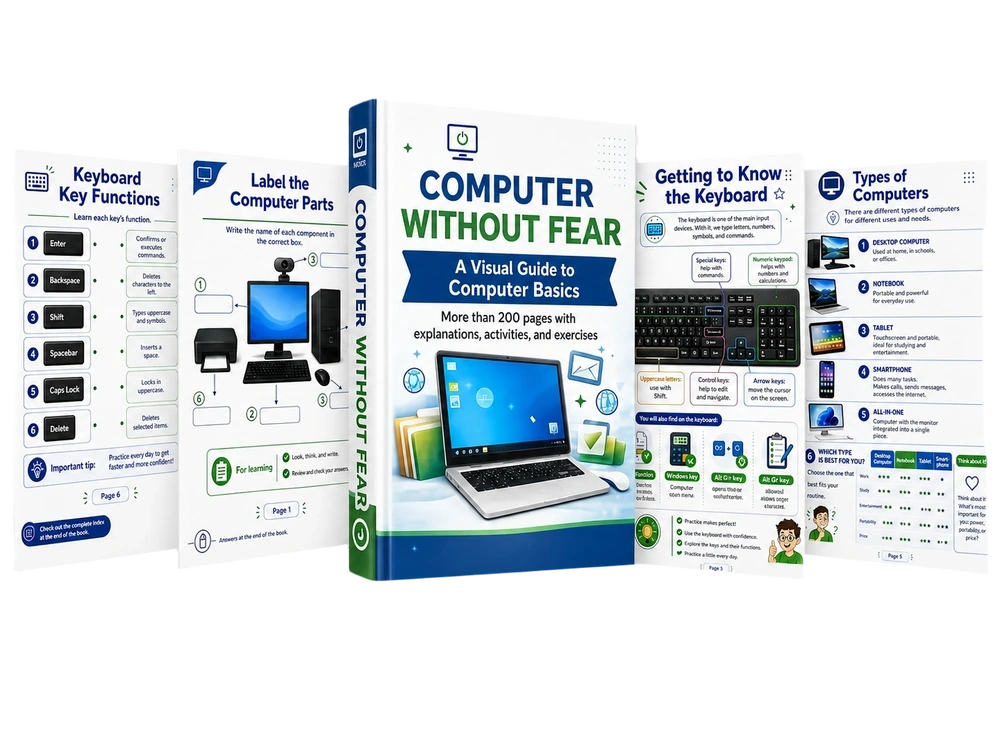
Instant access • Digital materials • Print-ready
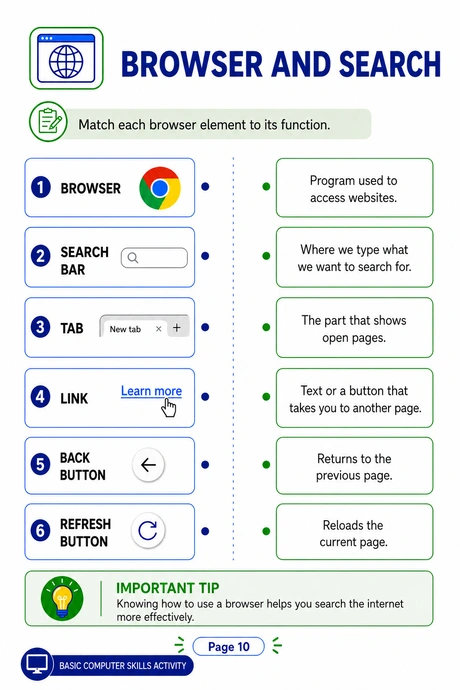
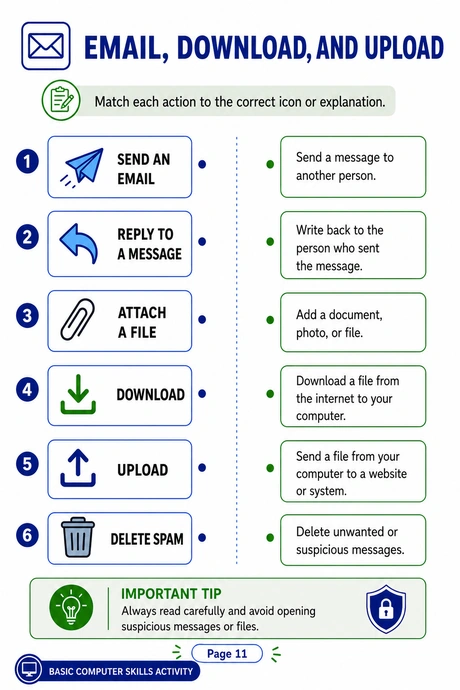
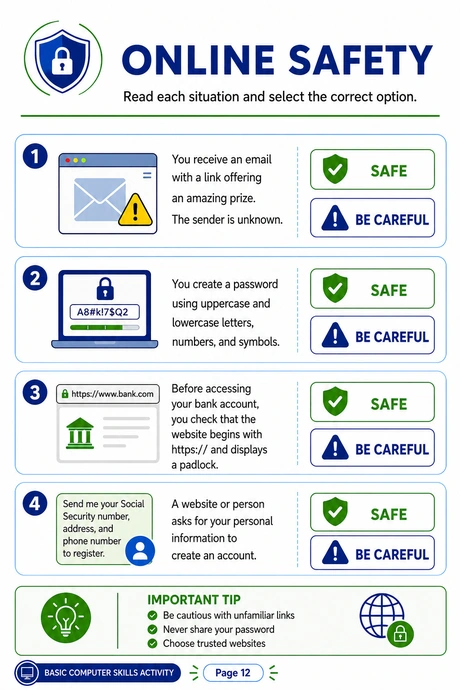
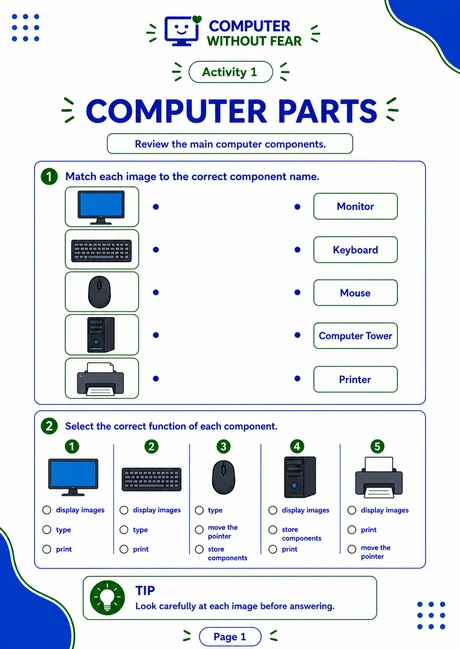
See How Visual Explanations Make Computer Basics Easier to Learn
Simple, well-organized pages that explain computers step by step, without confusing terms or fear of making mistakes.
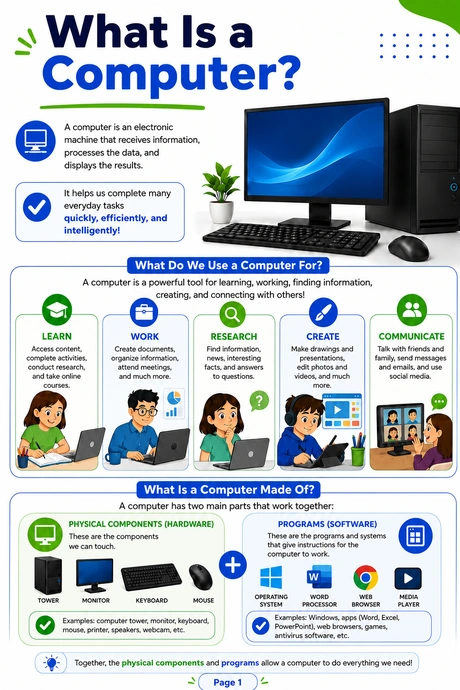
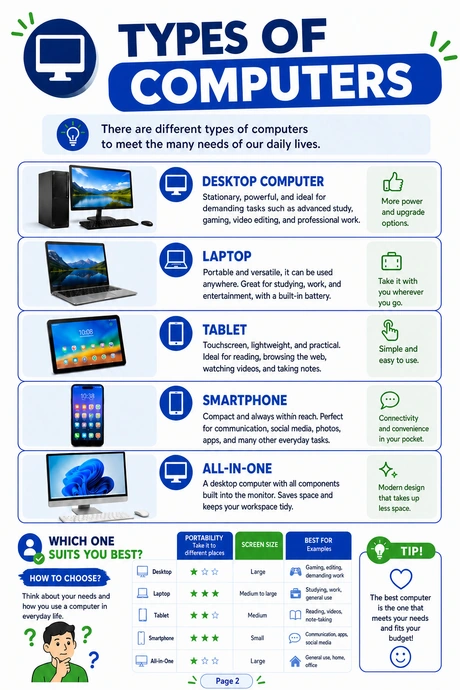
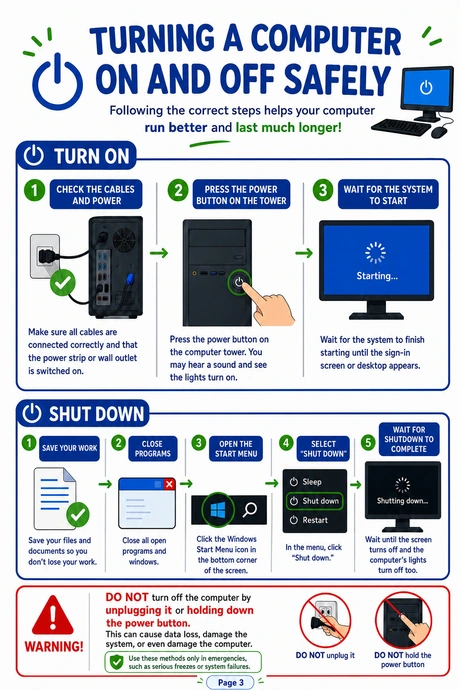
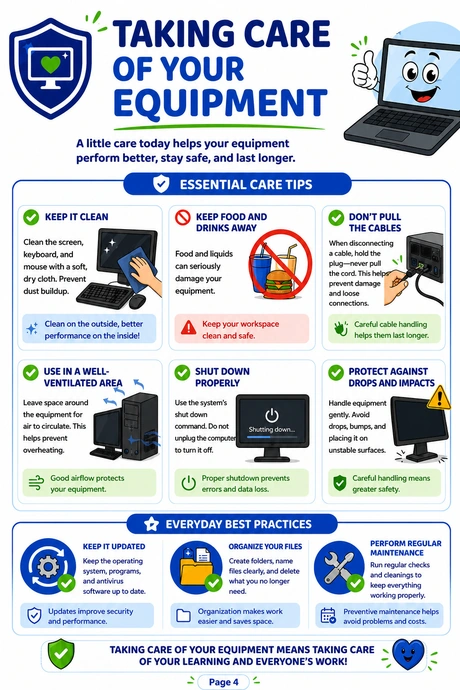
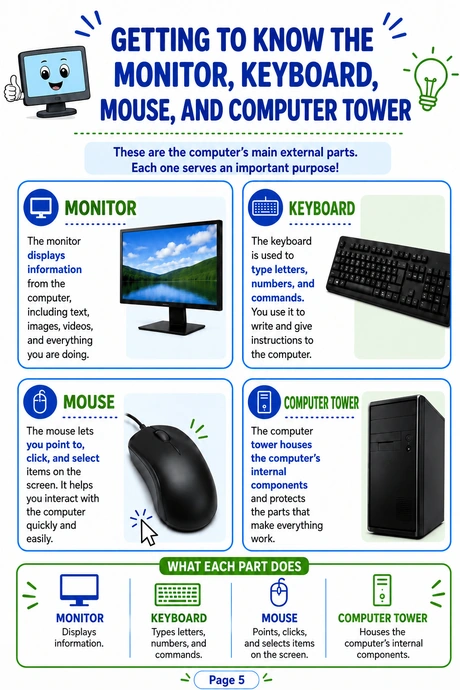
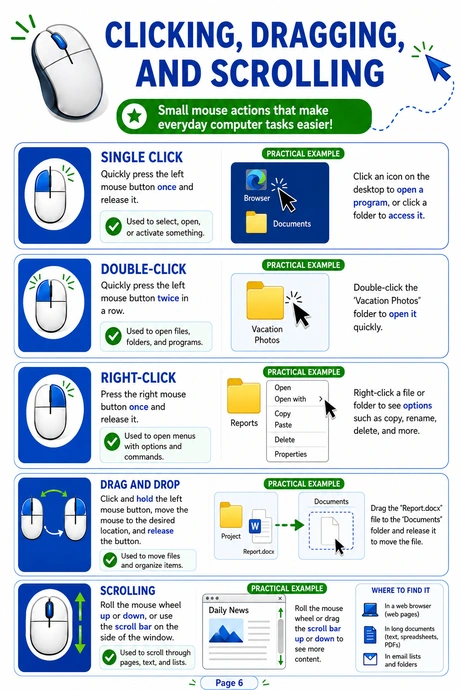
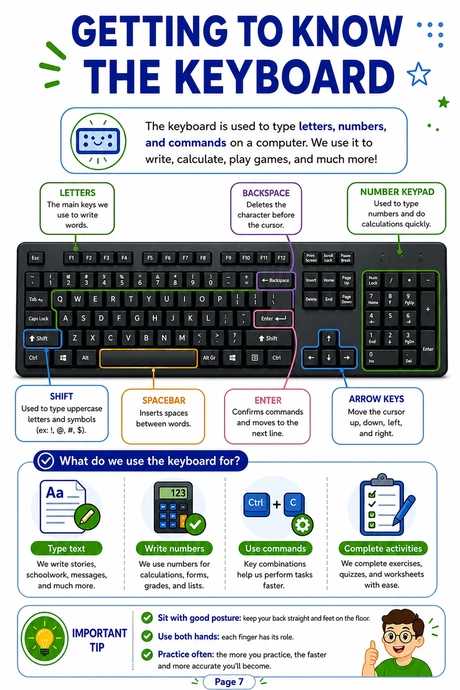
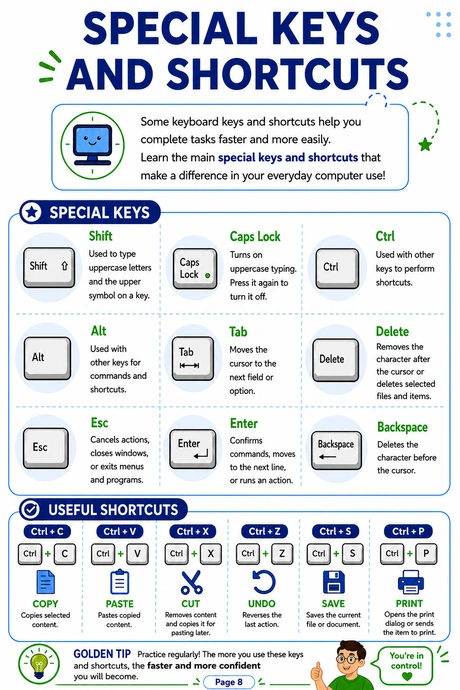
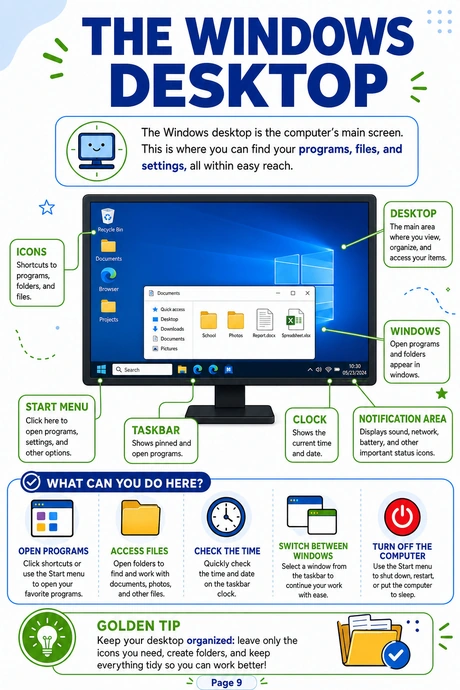
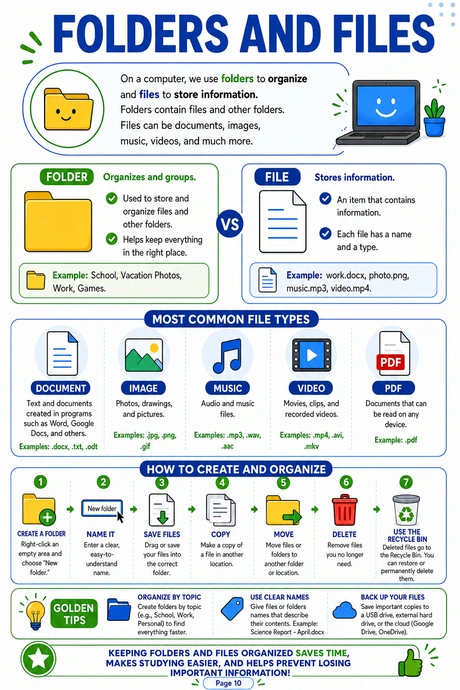
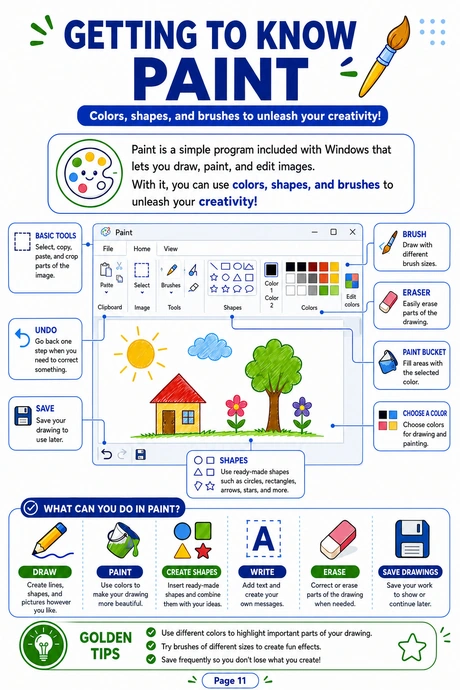
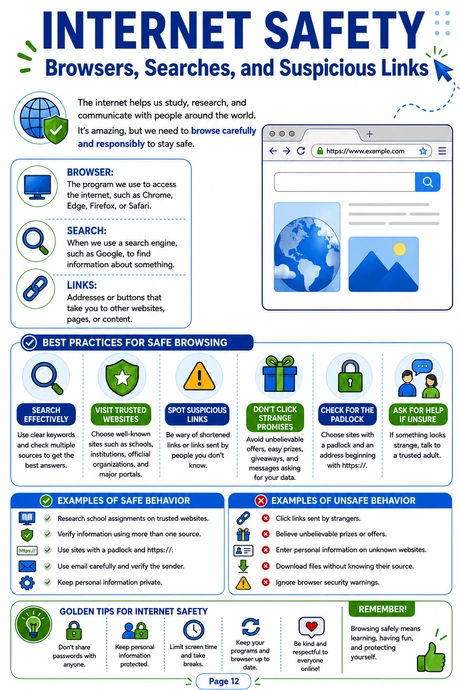
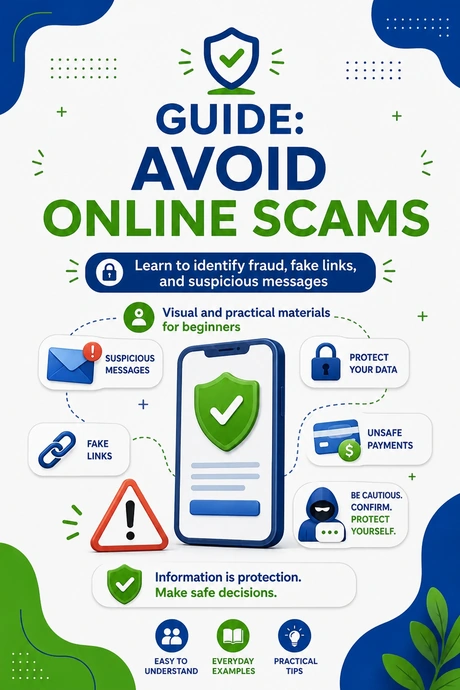
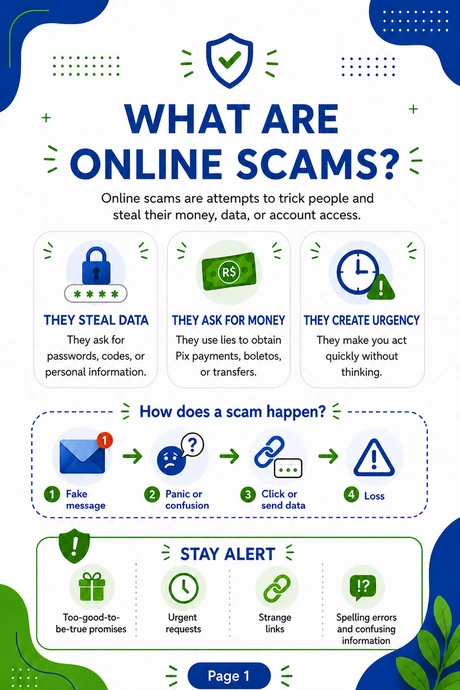
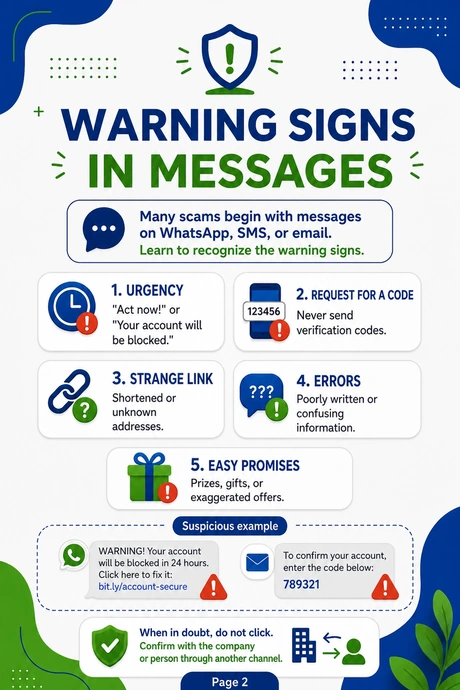
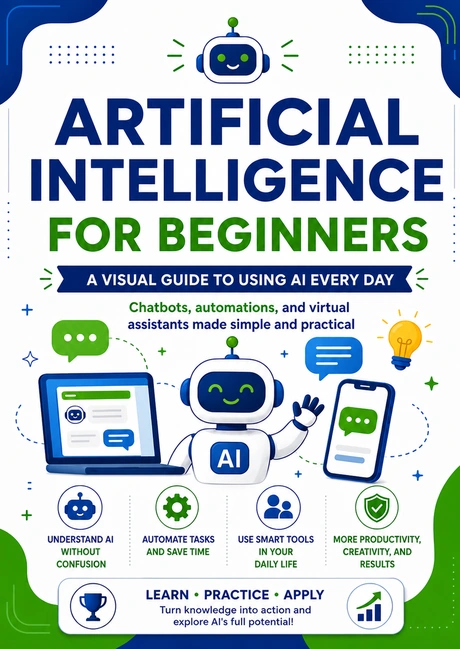
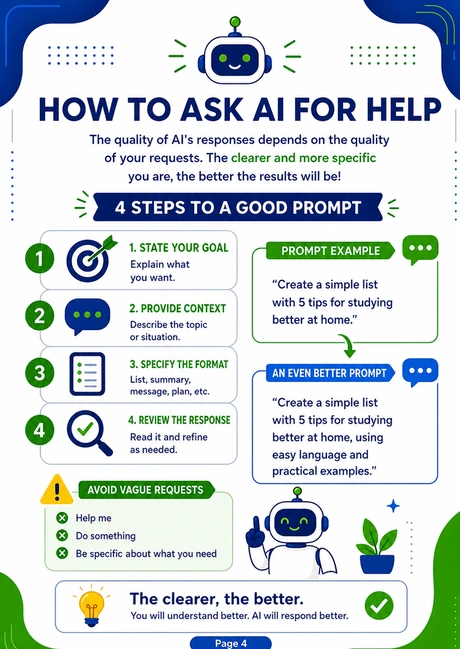
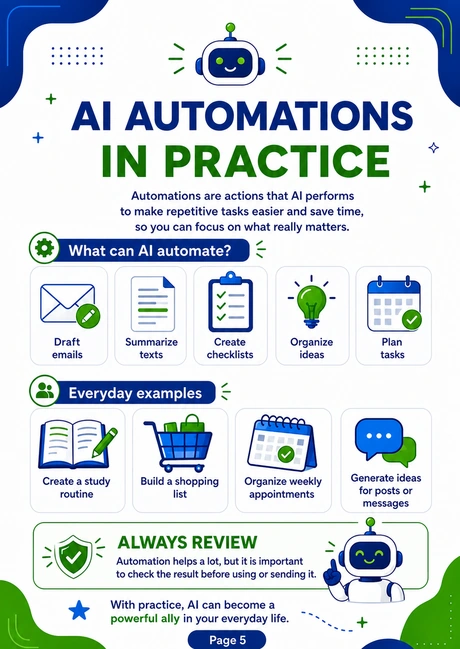
Everything is explained visually so beginners can understand every part of a computer with greater clarity, confidence, and peace of mind.
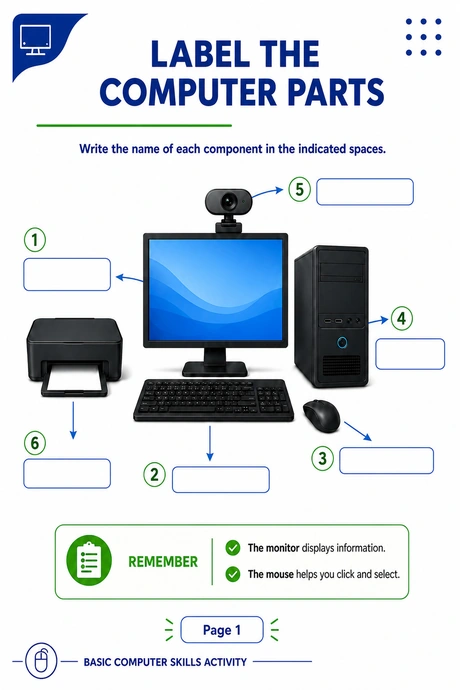
Practical Exercises That Reinforce Learning
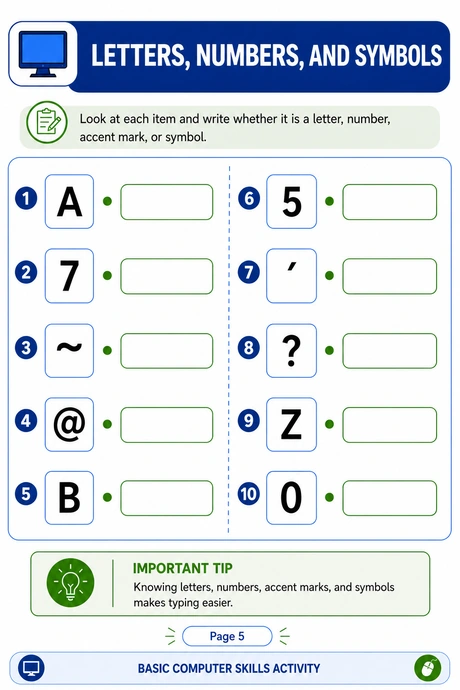
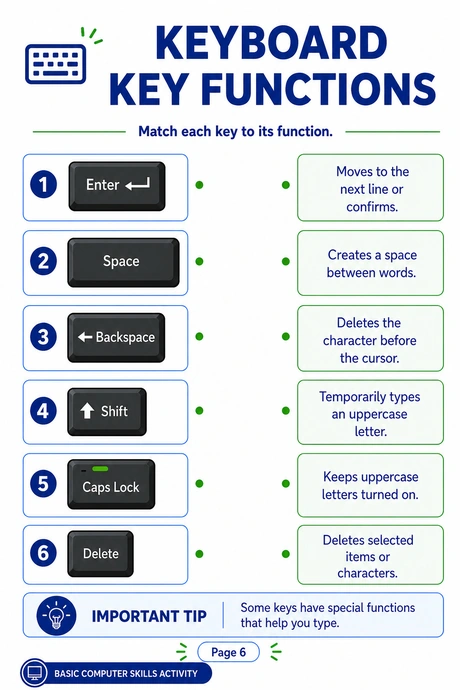
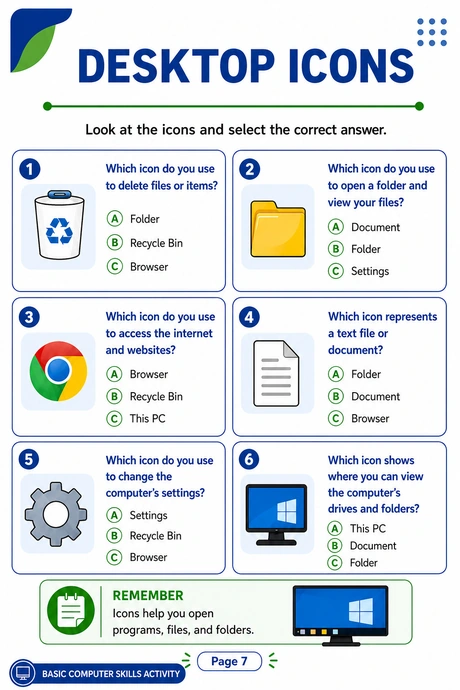
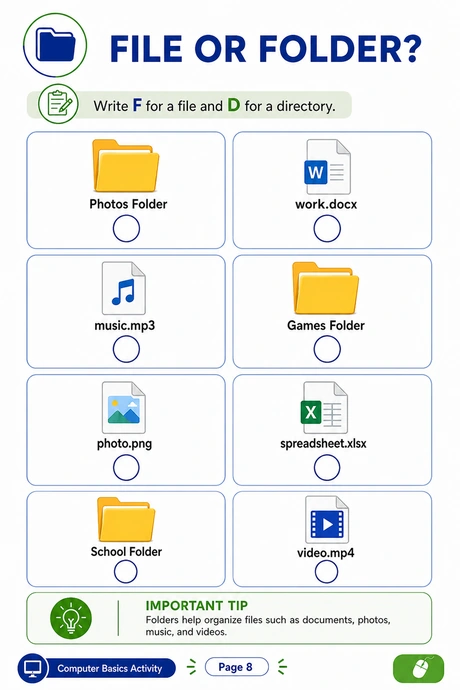
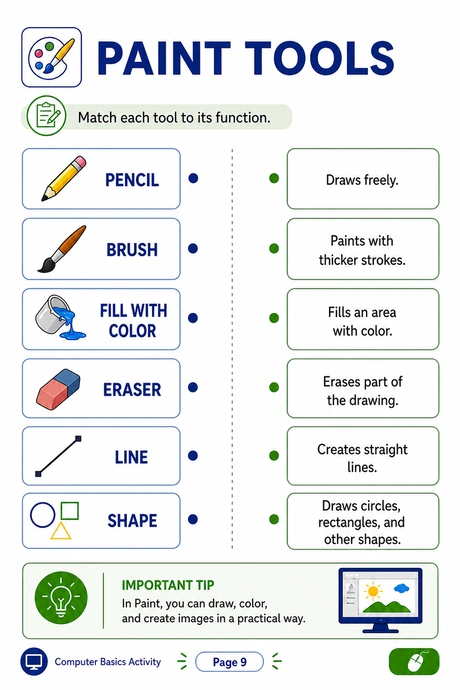
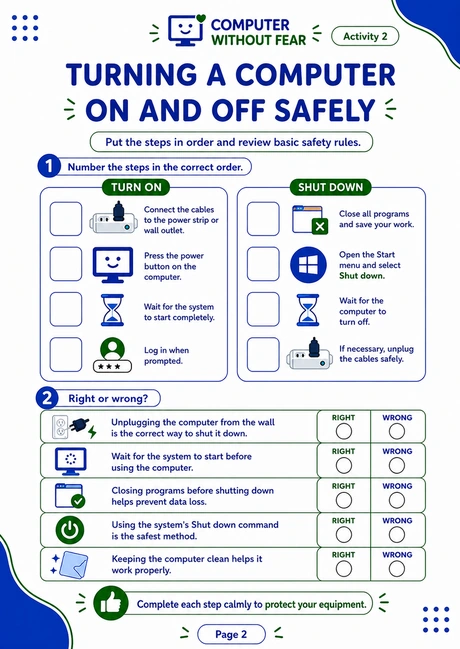
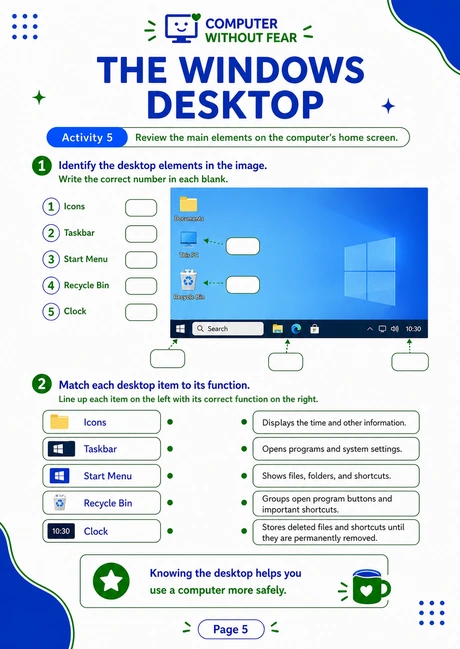
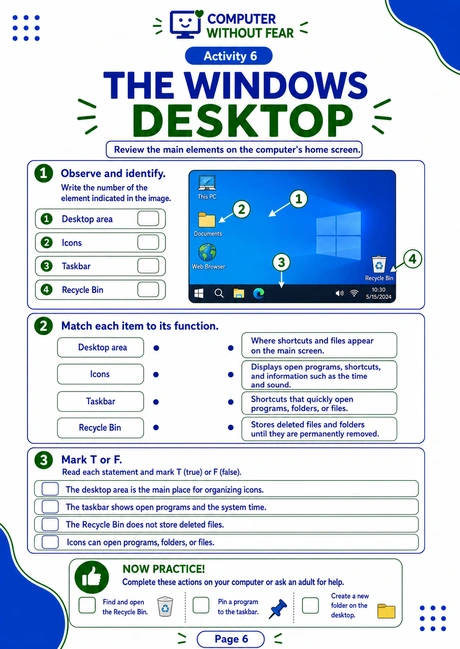
Along with visual explanations, the kit includes guided exercises for practicing the keyboard, mouse, icons, files, folders, internet use, and basic commands.
These Materials Are for You If You:
Want to learn computer basics from scratch
And need a simple, visual, step-by-step explanation to get started with confidence.
Are afraid of clicking the wrong thing
And want to feel more confident using the mouse, keyboard, files, and internet.
Are an adult or senior beginner
And are looking for materials that are easy to follow, reference, and review at your own pace.
Teach computer basics
And need ready-to-use pages, explanations, and exercises for beginner students.
Want to help a family member
And want simple materials for teaching parents, grandparents, or people with little experience.
Need printable materials
And want ready-to-use resources for lessons, study sessions, courses, or basic training.
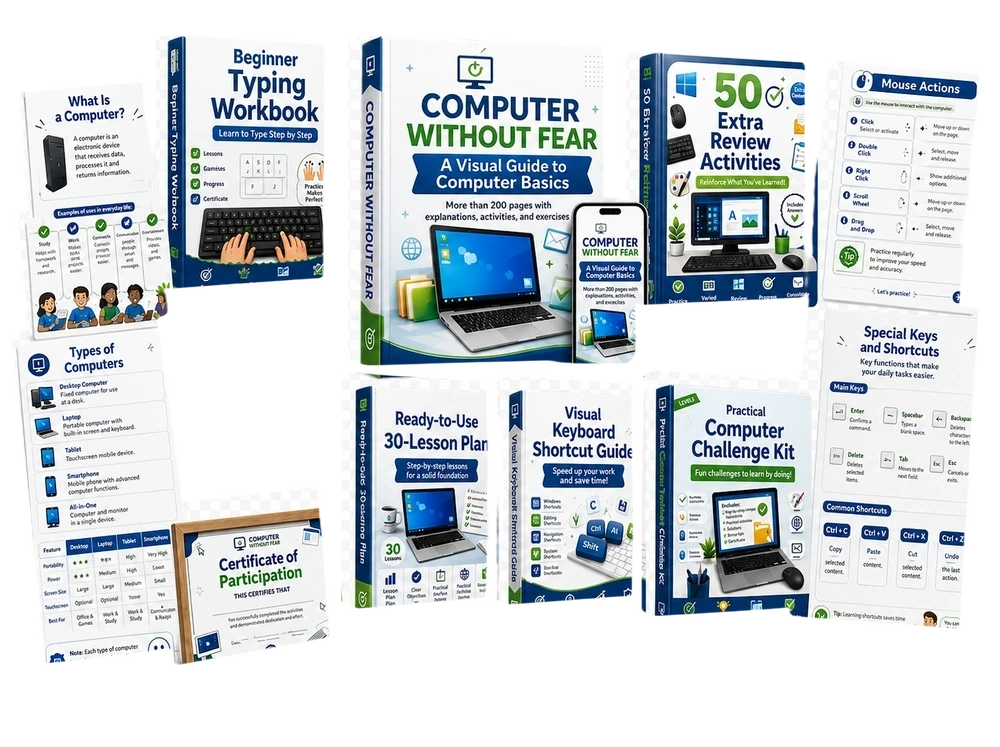
Everything Included in Computer Without Fear
A complete kit with visual explanations, practical exercises, and support materials for learning or teaching computer basics from scratch.
Visual Explanations
Everything you need to understand computers step by step
- What a computer is
- Types of computers
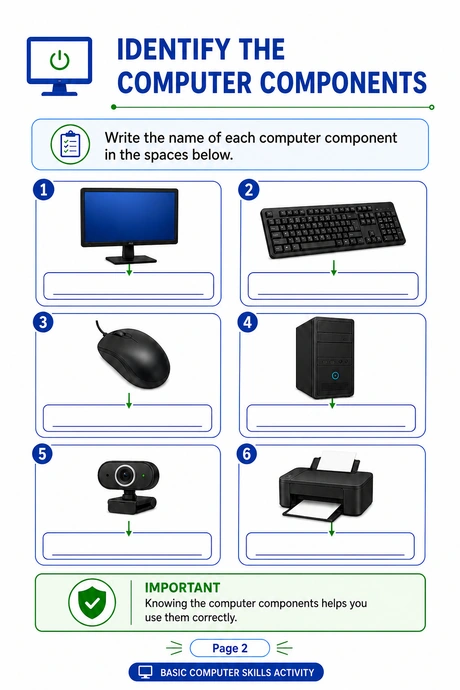
- Computer components
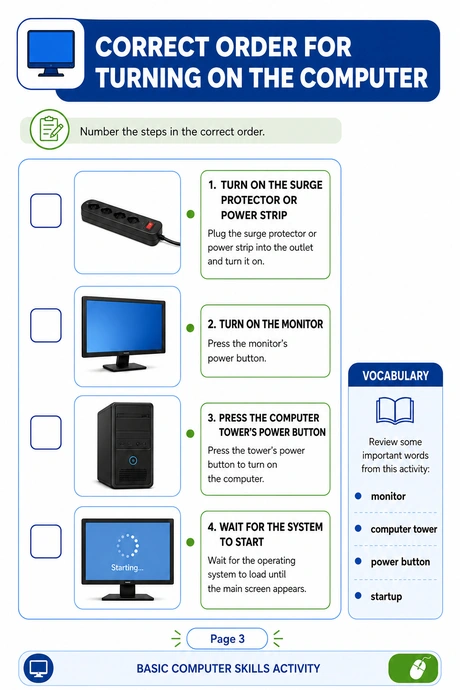
- How to turn a computer on correctly
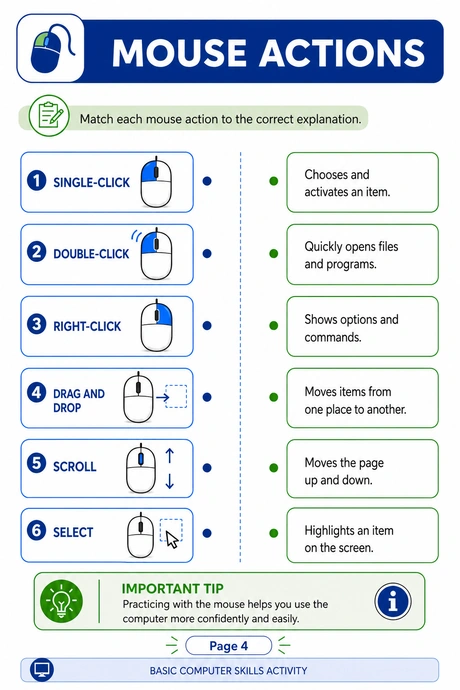
- Mouse and keyboard
- Desktop icons
- Folders and files
Practical Exercises
Guided exercises that reinforce learning
- Key functions
- Identifying components
- The correct order for turning on a computer
- Icon practice
- File exercises
- Review activities
- Guided practice for beginners
Support Materials
Ready-to-print, ready-to-use resources
- Keyboard shortcut guide
- Beginner typing workbook
- Practical computer challenge kit
- Lesson plan
- Review activities
- Certificate of participation
- Print-ready pages
Special Bonuses That Make Learning and Teaching Even Easier
Extra resources for organizing computer basics study sessions, lessons, and reviews.
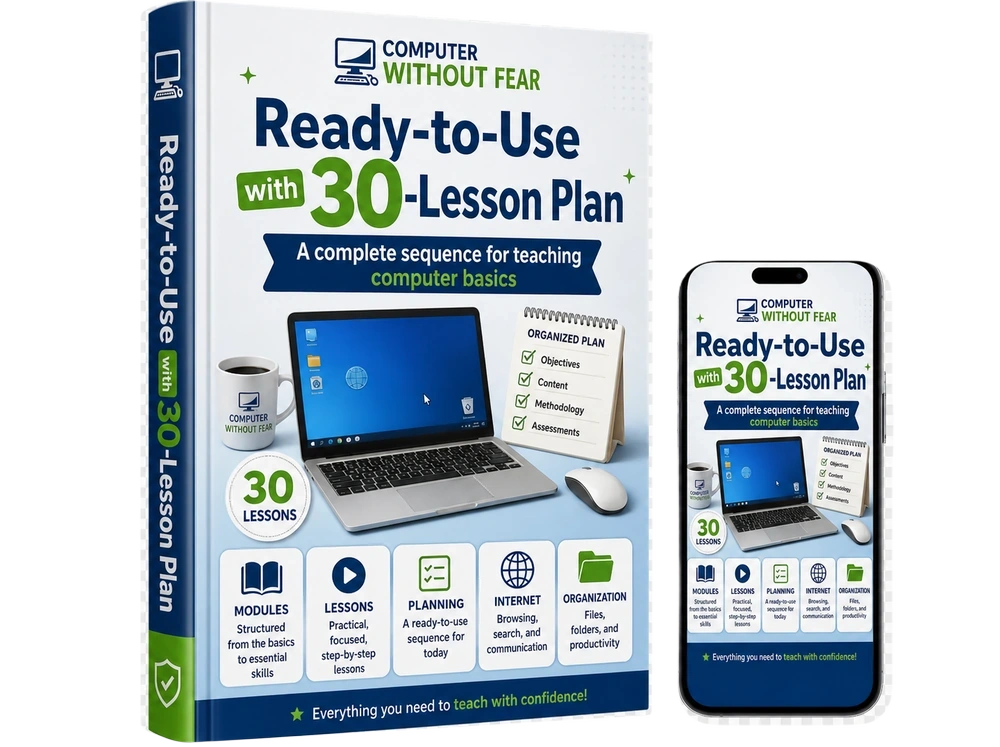
Ready-to-Use 30-Lesson Plan
Included in the Complete Kit
FREE TODAY 🎁
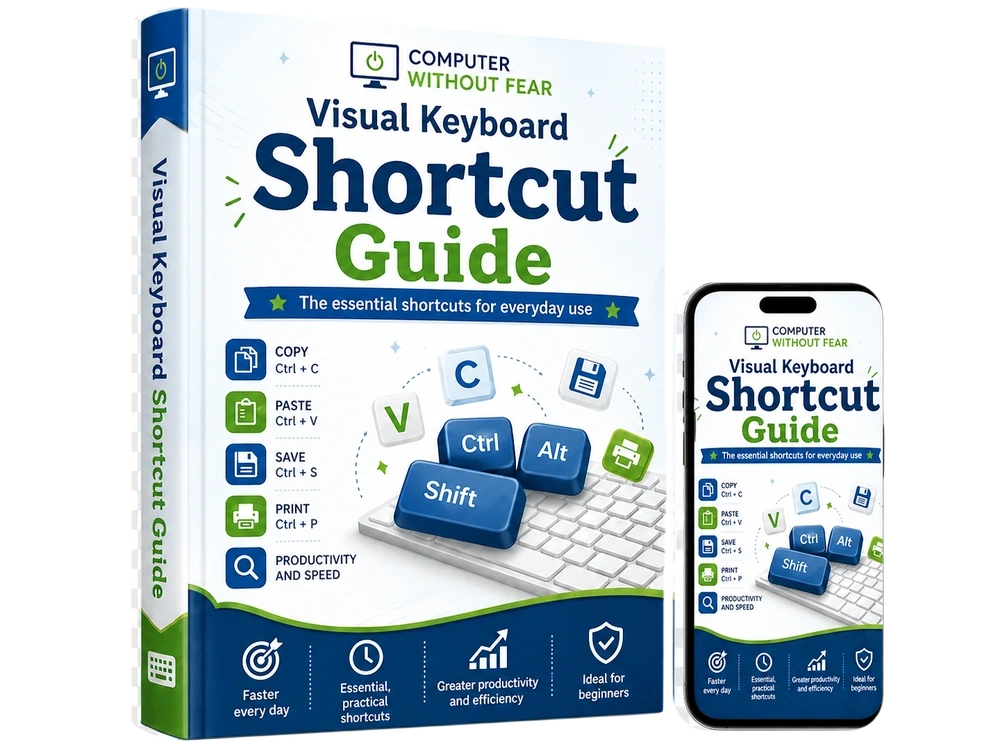
Visual Keyboard Shortcut Guide
Included in the Complete Kit
FREE TODAY 🎁
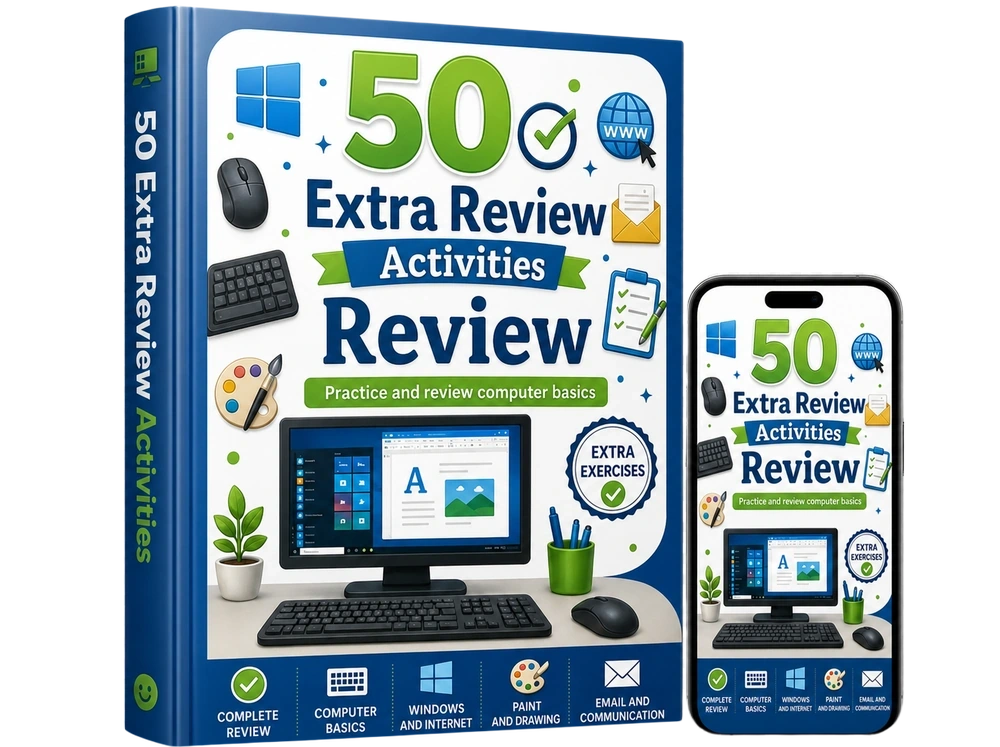
Review Activities
Included in the Complete Kit
FREE TODAY 🎁
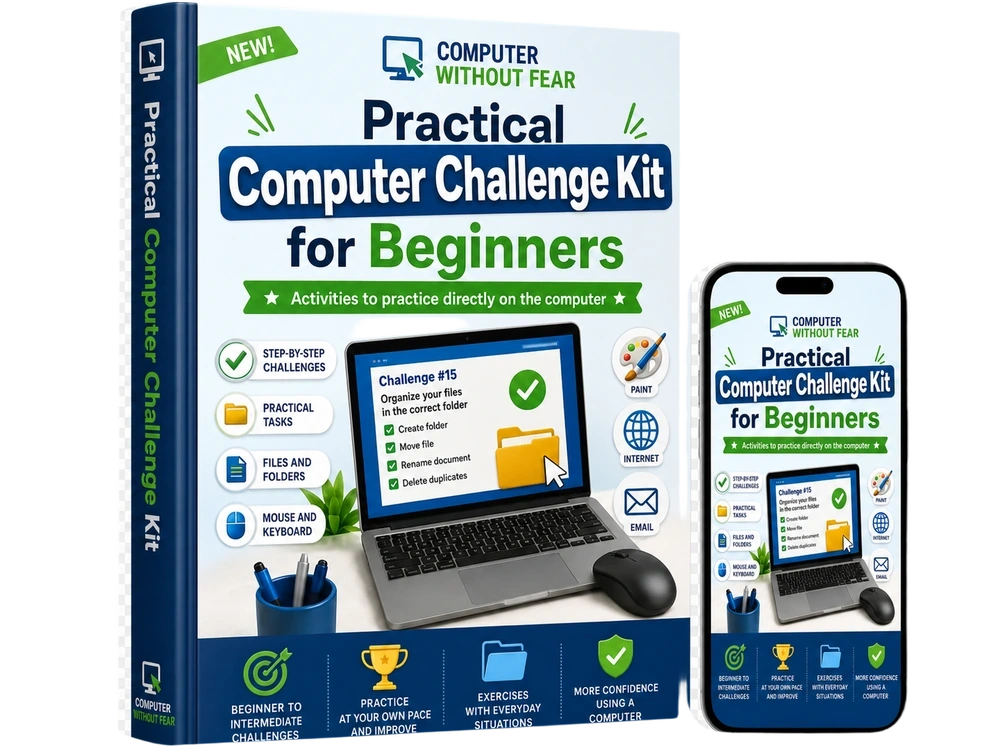
Practical Computer Challenge Kit
Included in the Complete Kit
FREE TODAY 🎁
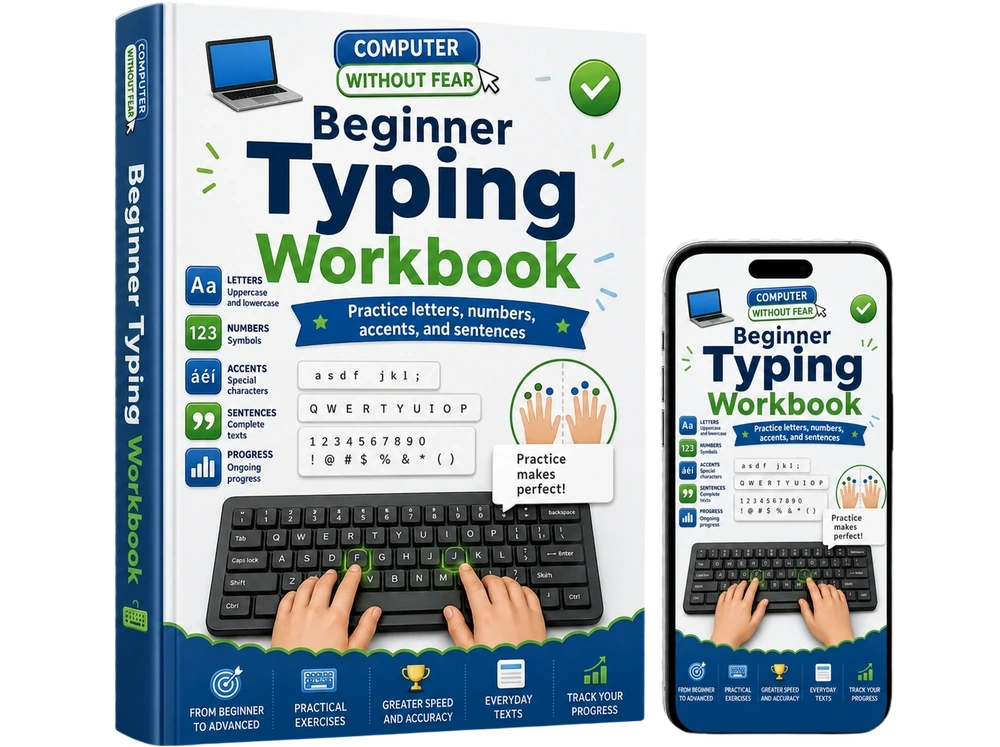
Beginner Typing Workbook
Included in the Complete Kit
FREE TODAY 🎁
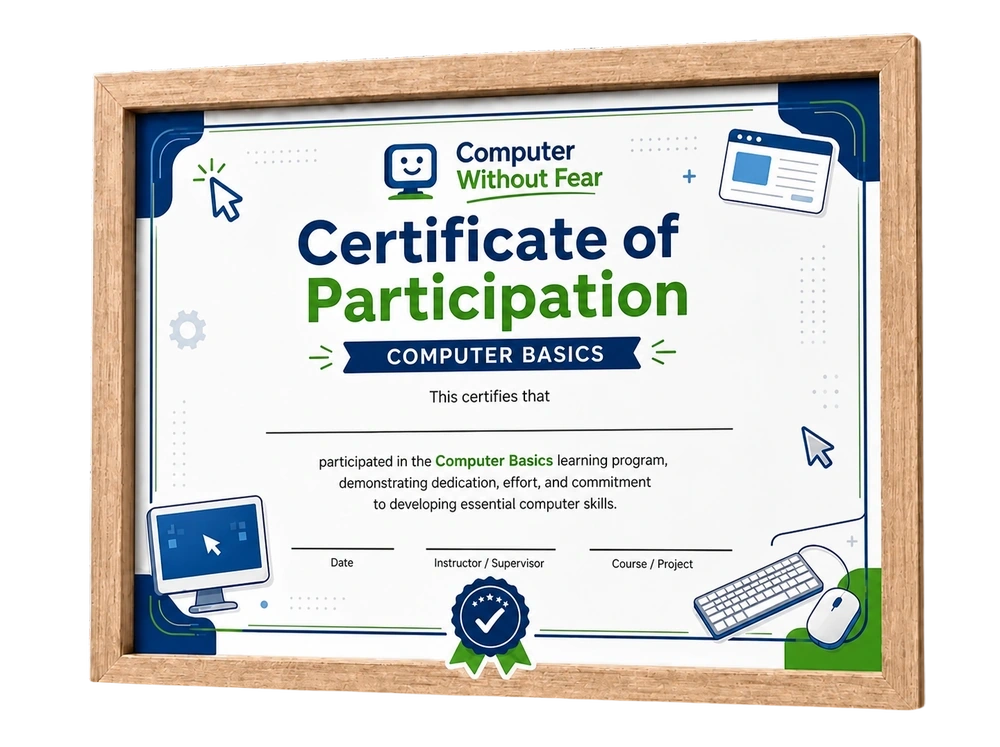
Certificate of Participation
Included in the Complete Kit
FREE TODAY 🎁
With the main kit plus the bonuses, you receive a complete collection of +500 computer basics resources for learning, teaching, and reviewing from scratch.
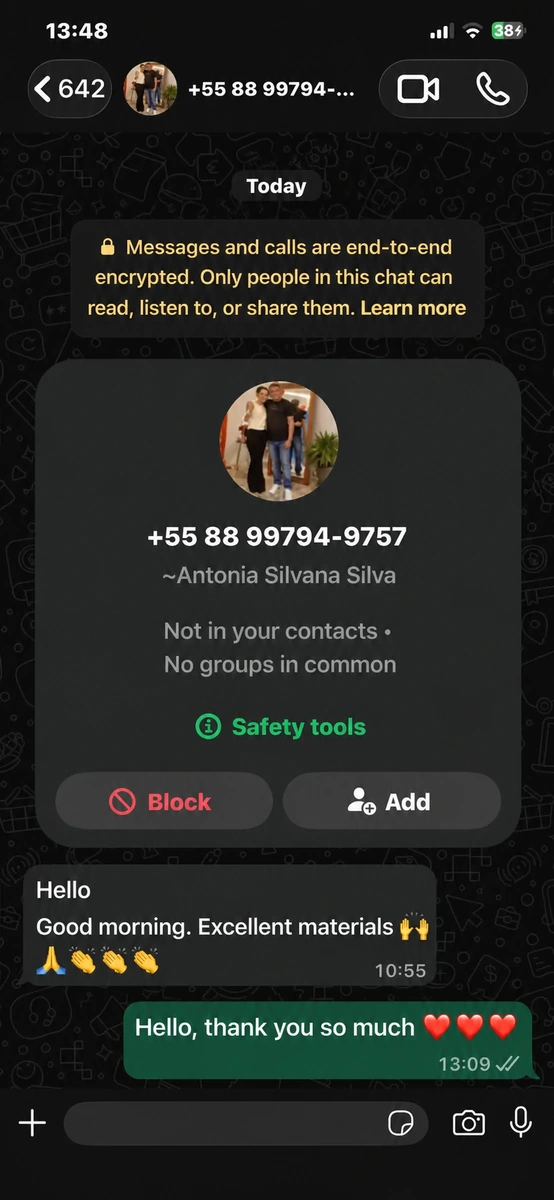
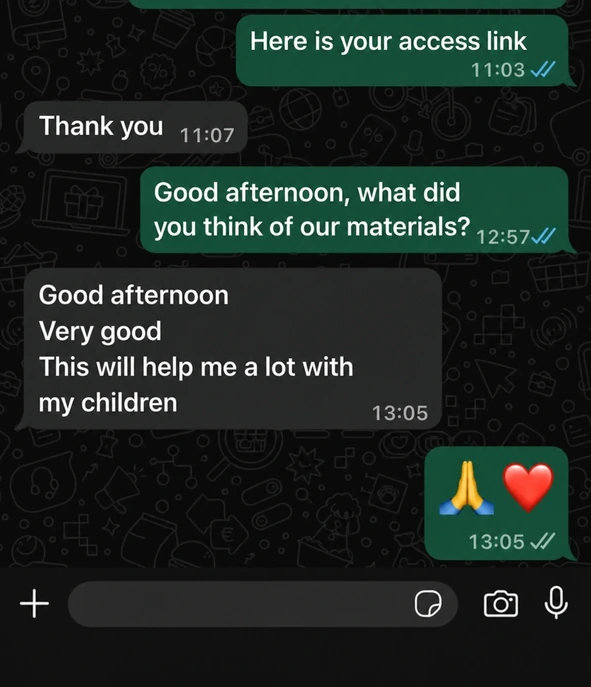
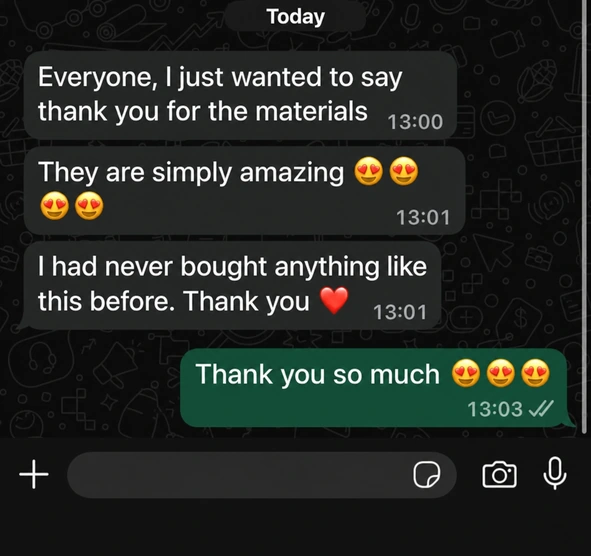
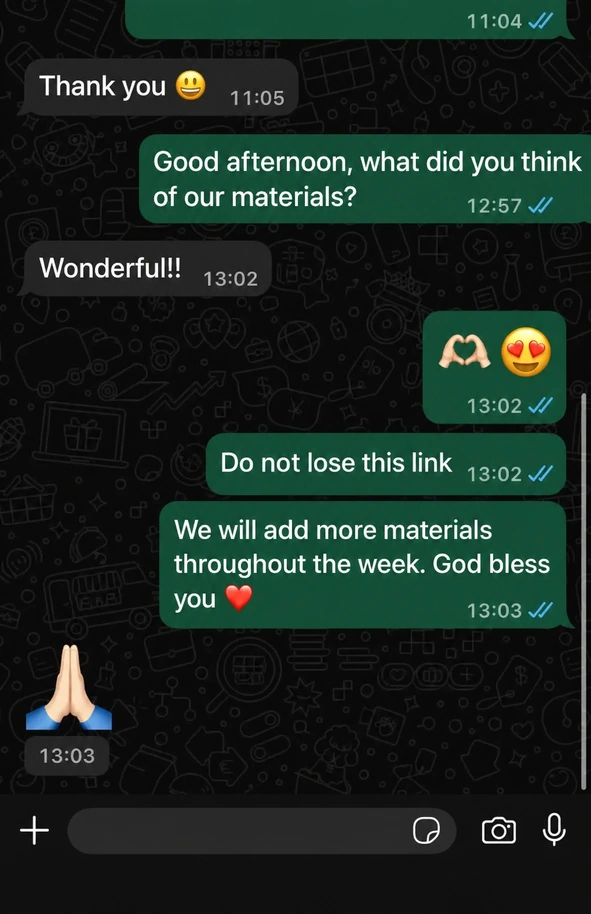
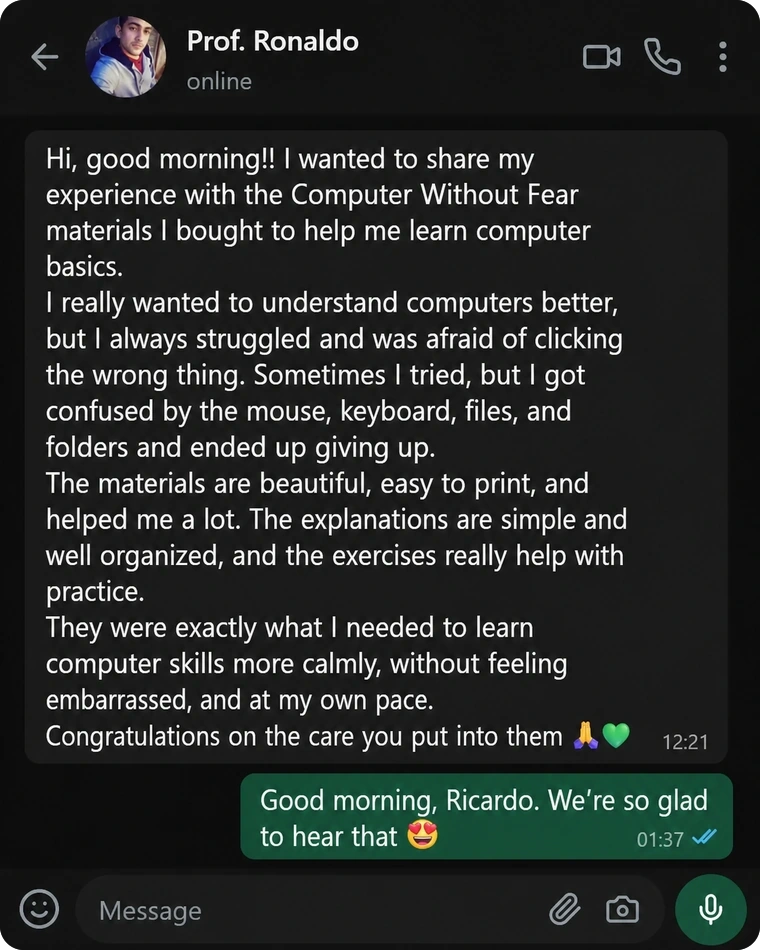
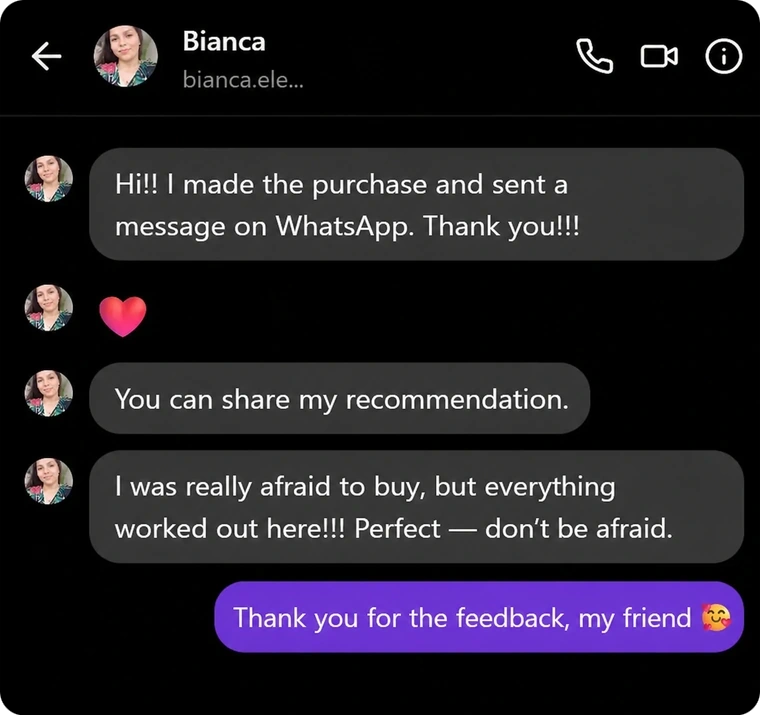
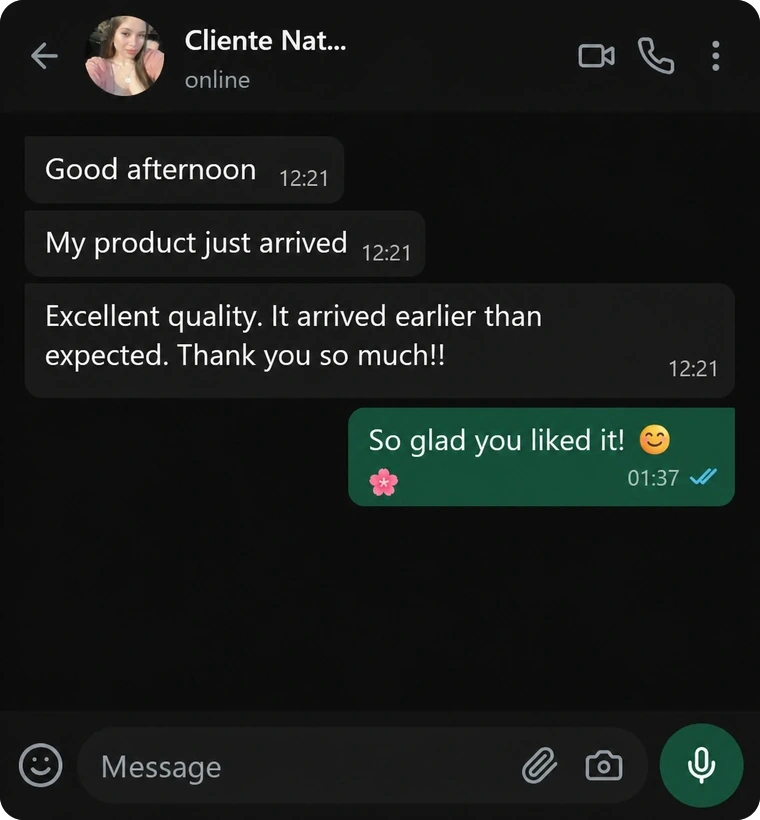
What Customers Are Saying About Computer Without Fear
See how these materials can help beginners, adults, seniors, teachers, and families.
How Will You Receive the Materials?
Complete purchase
Complete checkout
Receive by email
Get your access link
Download & print
Use your PDFs
Choose Your Kit and Start Learning Computer Basics Today
Get instant access to the digital materials and print as many pages as you need to learn, teach, or review computer basics.
Essential Kit
✨ Main Computer Without Fear materials
Regularly $22 now only
$10
One-time payment
You save $12
- ✓Main Computer Without Fear materials
- ✓Step-by-step visual explanations
- ✓Print-ready pages
- ✓Practical exercises for beginners
- ✓Simple content without confusing terms
- ✓Instant access · Digital PDF materials
- ✕Does not include the 6 exclusive bonuses
92% of customers choose to unlock the bonuses below:
Complete Kit + Bonuses
✨ Main materials + 6 exclusive bonuses
💻 +500 computer basics resources
Regularly $35 now only
$17
One-time payment
You save $18
- ✓Everything in the Essential Kit
- ✓+ 6 exclusive bonuses:
- 🎁Ready-to-Use 30-Lesson Plan
- 🎁Visual Keyboard Shortcut Guide
- 🎁Review Activities
- 🎁Practical Computer Challenge Kit
- 🎁Beginner Typing Workbook
- 🎁Certificate of Participation
- ✓More than 500 computer basics resources
- ✓Instant access · Print-ready
For only $7 more, choose the Complete Kit and get everything included

30-Day Money-Back Guarantee
You can access the materials, review them at your own pace, and see whether they truly make learning or teaching computer basics simpler, more visual, and more practical. If you are not satisfied, simply request a refund within the guarantee period.
GET STARTED WITH CONFIDENCE